
Setting up
Check What’s Installed
The About pane gives you a quick summary of which edition and version of Copy-Fast you have installed and details about your licence key.
Display the About Pane
To display the About pane either:

| From the Copy-Fast ribbon, click the About button. |
or | |
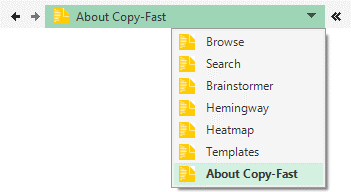
| From the top of the current pane, click the drop-down menu and select About. |
Exploring the About Pane

Edition & Version This section tells you which edition, version and version number of Copy-Fast you have installed. | |
Licence This is your licence key which you need to register Copy-Fast. | |
Website This is a handy link back to the Copy-Fast website. | |
Templates This sections shows you which template packs you have installed. |