
Emotional Intensity Heatmaps
Check Your Document’s Emotional Intensity
Follow these steps to create a visual heatmap showing the emotional intensity of your writing:

| Note Because Copy-Fast makes changes to the document, it makes a copy of your document first. Copy-Fast then performs the test and changes on the copy, not your original. Copy-Fast also needs to close your original document. Remember to select if you want to save your original document before you click Scan. |
Step | Instruction |
Open or create the document you want to scan. | |
Display the Heatmap pane. You can either click the Heatmap button from the Copy-Fast ribbon or select Heatmap from the pane menu. | |
Select your preferred Heatmap options. 
| |
Confirm if you want Copy-Fast to save your document before closing it. Remember, Copy-Fast creates the heatmap on a copy of your document. 
| |
Click the Scan button. 
Copy-Fast will scan and colour-code your document – this may take a few seconds. | |
Once scanned, Copy-Fast displays a summary. In the example below, a document has 1,147 words. 313 words were found to have a score and were categorised. Here 44.4% of the categorised words were neutral. 
| |
Click the Report button. 
This will create a Hemingway Report for your document. 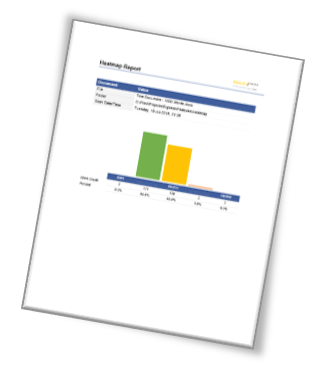
| |
Click the Search tab to the entire list of words with their scores. You can use this to search for more negative or more positive words to use in your document. Click in the Filter Word List box and start typing a word you’re interested in. The list is automatically filtered. In the example below, we’ve started to type ‘lov’. In the results you can see ‘love’ has a rating of 5.36 making it relatively neutral compared against ‘lover’ which is a stronger more evocative word with a rating of 7.45. 
|